
All Case Studies
Client Success Story

Building AI automation that saves 80+ hours/month for two US trucking companies.
Total hours saved to date: 3,200+ hours

How an automated dispatch system processed 19,803 broker load PDFs, reduced per-file handling from ~10 minutes to under 1 minute, and saved 3,299 hours for Imona Logistics and Avesto LLC over 16 months in production.

⏱️ 80+ Hours Saved / MonthπŸš› Trucking & LogisticsπŸ“§ Email AutomationπŸ“Š Real-Time Data LoggingπŸ€– Gemini AI⏱️ 16 Months Live
Production Overview
May 2025 – August 2026
0hrs / mo
Saved per fleet (160+ hrs/mo combined)
0
Load PDF files processed automatically
0 hrs
Cumulative manual hours saved across both fleets
10min β†’ 1min
Per-load manual handling time reduced
01The Clients
IPrimary Client
Imona Logistics

Imona Logistics is a U.S.-based trucking and freight company managing an active fleet of 19 professional drivers. Operating in the freight brokerage market, the company receives broker load requests via email with PDF attachments.

Between May 2025 and August 2026, the automated system processed 9,851 load PDF files for Imona, eliminating 80+ hours per month (1,641 hours total) of tedious manual data entry.

80+ hrs/moSaved Monthly
9,851PDFs Processed
1,641 hrsTotal Saved
19Active Drivers
AReferral Client
Avesto LLC

Avesto LLC is a sibling trucking operation run by the brother of Imona Logistics' CEO. After seeing Imona eliminate manual dispatch bottlenecks, Avesto's leadership requested the identical automation framework.

Between May 2025 and August 2026, the system processed 9,952 load PDF files for Avesto, reclaiming 80+ hours per month (1,658 hours total) with zero marketing spend.

80+ hrs/moSaved Monthly
9,952PDFs Processed
1,658 hrsTotal Saved
ReferralAcquisition
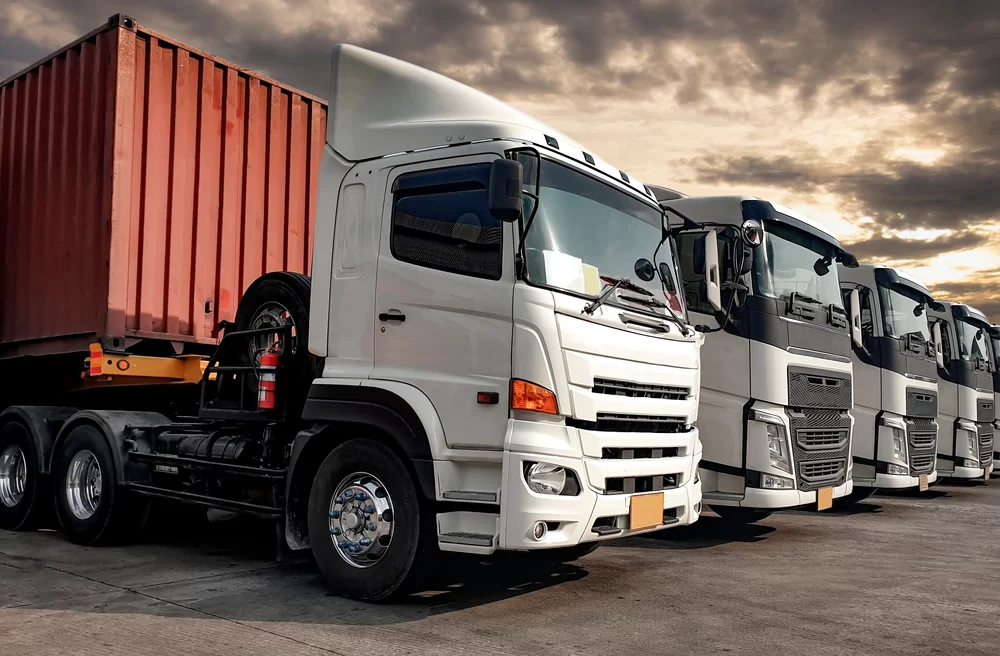
Imona Logistics, trucking fleet on the road
02The Challenge

Before automation, Imona's dispatch workflow involved a five-step manual routine repeated for each of the 20–25 loads received daily.

~10

minutes per load for manual PDF data extraction, adding up to 80–100 hours of administrative work each month.

1
Open every email & PDF manuallyEach broker sends PDFs in different layouts, no standardization, all read by hand.
2
Copy & format key load dataPickup/delivery locations, rates, mileage, all extracted manually and reformatted for internal use.
3
Send to Telegram dispatch groupFormatted load info typed or pasted manually into a Telegram group where drivers see available jobs.
4
Log all data into Google SheetsEvery load recorded manually, creating a second data-entry step for the same information.
5
Monitor Telegram & update the sheetWhen a driver accepted a job via chat, someone had to catch it and manually update the spreadsheet.

Key Operational Challenges

⚠️
Data Entry ErrorsCopying details across tools manually led to occasional errors in rates, locations, or driver assignments.
🐒
Dispatch Response TimesSlower response times to broker emails made it harder to secure preferred loads quickly.
πŸ“΅
Tracking Driver AcceptancesChecking Telegram chats manually meant driver responses had to be logged into the spreadsheet by hand.
πŸ”’
Scaling ConstraintsHandling higher load volumes required additional time and manual effort from the dispatch team.
πŸ˜“
Administrative OverheadDispatchers spent a large portion of their workday on repetitive data entry instead of logistics planning.
03The Solution

Flowbetta designed a 3-layer automation system using Google Apps Script to connect existing tools (Gmail, Telegram, Google Sheets, Google Drive)β€”without requiring new software subscriptions or changing team habits.

Gemini AI was integrated to read incoming broker PDFs in varying layouts and extract structured load data into a consistent format.

1

Email β†’ Telegram & Drive

The system checks Gmail every 10 minutes for new broker load emails. When received, it passes the PDF attachment to Gemini AI, which extracts key details (origin, destination, rate, mileage, pickup windows) and posts them to the dispatch Telegram group while archiving the PDF to Google Drive.

Gmail→PDF Attachment→Gemini AI→Telegram Group→Google Drive
2

Real-Time Data Logging

Simultaneously, the extracted load data is populated into a dedicated Google Sheet. Each load creates a new structured row, giving the team a centralized log of all incoming requests without manual copy-pasting.

Gemini Extract→Google Sheets→Structured Row→Central Log
3

Automated Driver Assignment

The system monitors driver Telegram chats every 30 minutes. When a driver accepts a load, the script identifies the message and updates the corresponding row in the Google Sheet, marking the load as assigned.

Telegram Chat→Driver Acceptance→Script Detects→Sheet Updated
Full Tech Stack
Gmail API
Gemini AI
Telegram Bot API
Google Apps Script
Google Sheets
Google Drive
04The Impact
πŸ“… Live Production Verification: May 2025 – August 2026 (16 Months)
Imona Logistics
Primary Fleet
9,851 Load PDFs Processed
0hrs saved
98,510 manual minutes eliminated (~102.5 hrs saved every month)
Avesto LLC
Referral Fleet
9,952 Load PDFs Processed
0hrs saved
99,520 manual minutes eliminated (~103.6 hrs saved every month)
Monthly Savings
160+ hrs/mo
Combined Load PDFs
19,803 files
Total Time Saved
3,299 hours
Productivity Equivalent
~412 workdays
πŸ“

The Efficiency Calculation: 10 Minutes Saved Per Load PDF

Prior to Flowbetta's Gemini AI automation, a dispatcher required approximately 10 minutes per PDF load document to open the email, read the unstandardized rate sheet, extract origin/destination/rates, retype the summary into Telegram, and log the row into Google Sheets.

Imona Logistics Calculation9,851 files Γ— 10 min = 98,510 min = 1,641.8 hours
Avesto LLC Calculation9,952 files Γ— 10 min = 99,520 min = 1,658.6 hours
⚑
Instant Load Broadcast

What previously took ~10 minutes of manual handling is parsed and broadcast to Telegram in under 1 minute.

🎯
Flawless Data Extraction

Over 19,800 PDFs parsed with Gemini AI across hundreds of broker document formats without data loss.

πŸ“ˆ
Zero Overhead Scaling

Both fleets doubled processing capacity over 16 months without adding a single administrative hire.

05Behind the Build

The second deployment came about when Imona Logistics' CEO introduced Flowbetta to his brother's company after seeing positive results in his own operations.

"Practical results build confidence."

Expanding the workflow to a second fleet confirmed that a clean automation structure could be adapted easily to similar logistics routines.

Open communication during initial testingβ€”handling edge-case PDF layouts and API quota limitsβ€”helped maintain clarity and steady progress throughout setup.

🎁
Token of AppreciationThe CEO of Imona sent personal money gift as an unsolicited token of appreciation and gratitude.
Technical Adjustments
πŸ“„
Varied PDF LayoutsBroker PDFs came in different formats. Gemini AI prompts were refined to extract data accurately across layouts.
πŸ“Š
Gmail API Quota LimitsPolling intervals and request batching were adjusted to stay within standard Google Workspace usage limits.
πŸ”Œ
API Retry LogicAdded retry logic and error logging to ensure reliable data transfer across Telegram and Drive APIs.
πŸ”Ž
Telegram Chat ParsingApplied clear message parsing rules to confirm driver acceptances without misinterpreting casual chat messages.
06Key Lessons
πŸ”

Understand the Workflow First

Mapping out manual steps thoroughly before writing code ensured the system fit how dispatchers actually work.

πŸ—£οΈ

Clear Communication Builds Trust

Communicating openly during testing and resolving early edge cases promptly kept project progress smooth.

πŸ”—

Work Within Existing Tools

Using Gmail, Sheets, Drive, and Telegram minimized setup overhead and helped the team adopt the system quickly.

πŸš€

Client Referrals Drive Growth

Delivering practical, reliable value for the primary client led directly to a word-of-mouth referral.

Ready to automate?

Let's build your
dispatch system.

If your team is copying data between tools every day, there's a better way. Let's talk about what's possible for your operation.

Work With Flowbetta β†’